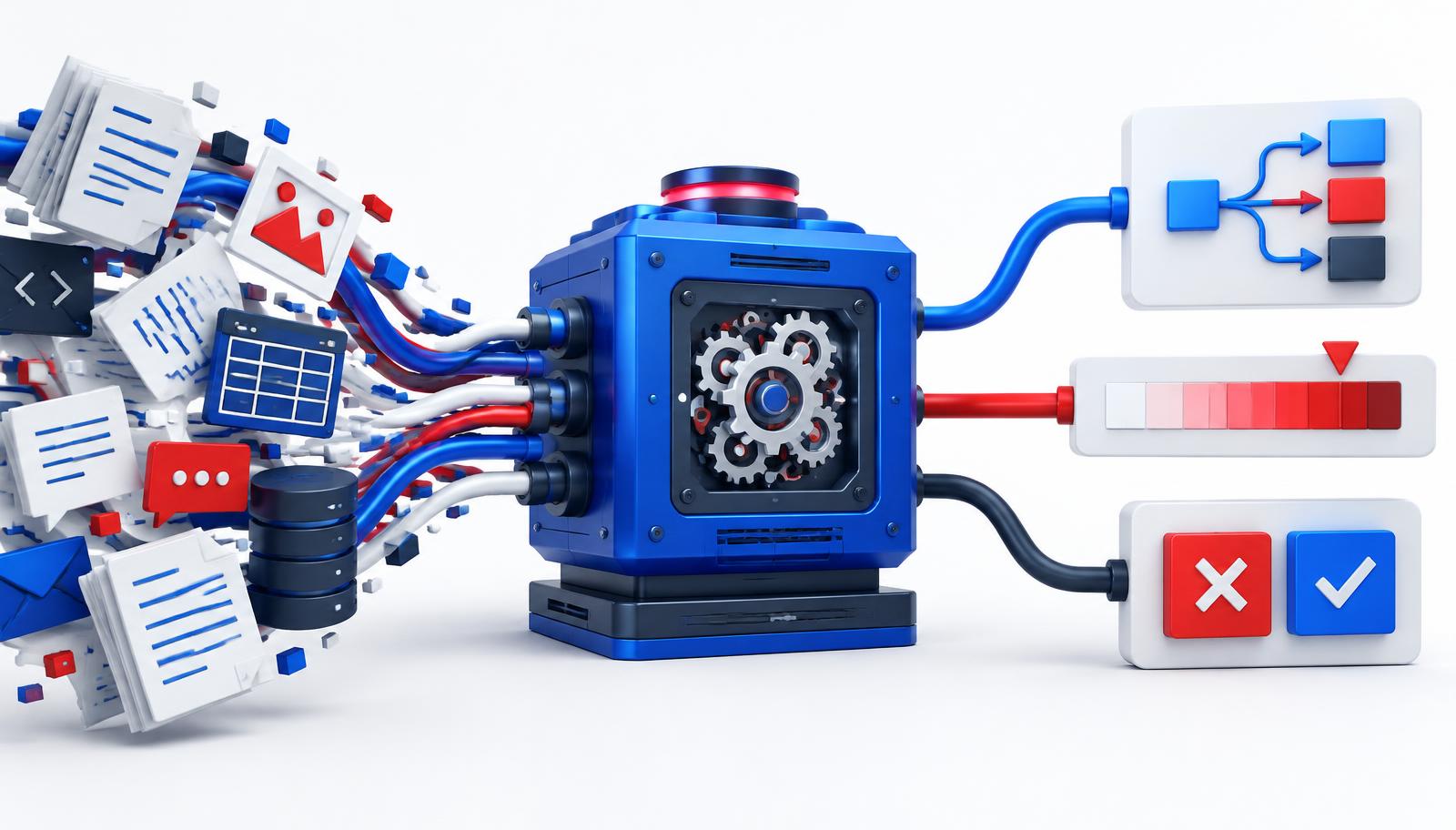
Obsidian or Tolaria: Which Personal Knowledge Base Suits You?
Obsidian remains the standard for markdown knowledge bases, but Tolaria adds native Git version control and AI agents. A fair comparison-including when to choose which.
A personal knowledge base is no longer a luxury. For those working with AI daily, advising clients, or simply reading extensively, the difference between "I wrote that down somewhere" and "I know exactly where it is" now represents a productivity gap of hours per week.
In recent years, Obsidian has become the de-facto standard for markdown-based knowledge bases. However, a new player has gained significant ground in 2026: Tolaria-an open-source desktop app that combines markdown with native Git version control and AI agents. In this article, we compare the two, with a specific focus on version control.
What is a Personal Knowledge Base?
A Personal Knowledge Management (PKM) system is where you store and connect notes, ideas, sources, and tasks in one place. The modern variant has three characteristics:
- Plain-text files (usually Markdown) so your notes remain readable in 20 years.
- Bidirectional links between notes, allowing you to build a knowledge graph instead of a folder structure.
- Local storage-your knowledge belongs on your drive, not in someone else's database.
Obsidian: The Established Standard
Obsidian is a free desktop app (Windows, macOS, Linux, iOS, Android) that lets you build a local "vault" of Markdown files. Since its launch in 2020, it has been the most widely used tool for PKM and the "second brain" principle.
Strengths of Obsidian
- Mature plugin ecosystem. Thousands of community plugins for everything from task management to journal templates and graph visualizations.
- Canvas. A free built-in whiteboard tool for visually organizing notes.
- Bidirectional links and backlinks. Every note shows which other notes refer to it-the foundation of a true knowledge graph.
- Privacy-first. Notes are stored locally and encrypted on your device. No account required.
The Version Control Problem in Obsidian
Obsidian lacks built-in version control. Users who want to track when a note changed or collaborate on a vault have two options:
- Obsidian Sync-the official paid service, starting at $4 per month (billed annually) or $5 per month. Includes cross-device synchronization and version history.
- The community plugin obsidian-git-free and with over 10,000 stars on GitHub, but you must set up and maintain Git, a remote repository, and conflict resolution yourself.
For an individual user, both are workable. However, version control and synchronization are often an afterthought rather than a core concept.
Tolaria: A Second Brain for the AI Era
Tolaria is an open-source (AGPL-3.0) desktop app by Refactoring HQ. The project went public in February 2026 and gathered over 10,000 GitHub stars within months. Like Obsidian, Tolaria works with local Markdown files in a "vault"-but the fundamental principles differ.
How Tolaria Differs Fundamentally
- Git is a core concept, not a plugin. Tolaria uses Git to track note history and optionally sync with a remote repository (GitHub, GitLab, private server). Version control is not an add-on; it is how the app operates.
- YAML frontmatter as structure. Notes are assigned types (Project, Person, Source) and relationships via YAML. This makes your vault searchable like a lightweight database without requiring a database setup.
- Native AI agents. Tolaria connects directly with OpenAI, Anthropic, Google, and local models. Agents can read, write, and establish relationships within your vault-a knowledge base that thinks with you.
- Files are the source of truth. No proprietary database, no lock-in. You can search everything with
grepand open it with any editor. - Free forever. Open source, no account, no paywall.
What Tolaria Still Lacks
Admittedly, Tolaria is young. The ecosystem of plugins and themes is a fraction of what Obsidian offers. Mobile apps are not yet available (desktop only). And a Canvas equivalent for visual brainstorming is currently missing.
Obsidian vs Tolaria: Direct Comparison
- Version Control: Obsidian via paid Sync or community Git plugin. Tolaria via native, built-in Git.
- Price: Obsidian free (Sync from $4/month). Tolaria completely free.
- AI Integration: Obsidian via plugins. Tolaria native, with agents.
- Plugin Ecosystem: Obsidian extensive (5+ years mature). Tolaria limited (new app).
- Mobile: Obsidian iOS + Android. Tolaria desktop only.
- Open Source: Obsidian closed-source (free to use). Tolaria open-source (AGPL-3.0).
- File Format: Both use Markdown with YAML frontmatter-the same vault can be opened in both apps.
When to Choose Which?
Choose Obsidian if…
- You want a mature plugin marketplace and are willing to configure your system yourself.
- You frequently take or read notes on mobile devices.
- You want to use Canvas for visual mapping.
- You do not require native version control or are willing to pay for it via Sync.
Choose Tolaria if…
- Version control is a hard requirement-for example, because you share notes with a team or want to roll back changes.
- You want AI agents to work directly within your knowledge base without configuring a collection of plugins.
- Open source and the absence of a paywall are important to you.
- You primarily work on desktop and the early stage of the ecosystem is not an issue.
Practical Tip: They are not Mutually Exclusive
Since both apps use the same standard-Markdown files with YAML frontmatter in a local folder-you can open the same vault in both Obsidian and Tolaria. Many users are currently experimenting with Tolaria for its version control and agent functionality while keeping Obsidian for mobile access and specific plugins.
Our recommendation: start with the tool that fits your primary use case, but store your notes in a Git repository. This maintains the freedom to switch later-or use both tools simultaneously-without ever losing notes.
Conclusion
The world of personal knowledge bases has matured to the point where we no longer discuss whether you need one-only which one. Obsidian remains the safest choice for those requiring an extensive plugin ecosystem and mobile apps. Tolaria is the answer for those who want version control, AI integration, and open source integrated into their knowledge base from day one.
What they have in common is more important than where they differ: your knowledge remains on your drive, in a format that will still work in twenty years. And that is exactly what a personal knowledge base is all about.
Sources
- Obsidian Official Website
- Obsidian Sync Version control and syncing ($4/mo)
- obsidian-git Community Git plugin (10.5k+ stars)
- Tolaria Official Website
- Tolaria on GitHub Open source (AGPL-3.0, 10k+ stars)
- Tolaria docs Vaults & Git
Get more out of your AI tools
A good knowledge base only really shines once your AI works smartly with it. In our ChatGPT training and on our AI Prompt guide we show you how. Want to roll it out broadly? Check our tailored AI Workshop.

// Over de auteur
Remy Gieling
Mede-oprichter, AI-expert & bestseller-auteur
Tech-expert (1988) gespecialiseerd in kunstmatige intelligentie en mede-oprichter van ai.nl, The Automation Group, Proxies en eBrain.ai. Oud-hoofdredacteur van diverse zakenmerken en daardoor een geoefend verteller op het podium en in de media. Verzorgt jaarlijks 150+ AI-keynotes in binnen- en buitenland en is gastdocent aan Nyenrode. Co-auteur van zeven boeken, waaronder 'Handboek AI Strategie' en 'AI Agents', en bekend als presentator op radio en RTL Z. Reist langs de labs van OpenAI, Nvidia en Tencent en vertaalt de nieuwste doorbraken naar inzichten die leiders direct kunnen toepassen.
LinkedIn